

Latest Version
Z Mobile Apps
Tools
Windows
Free
9pc4d00lvnq3
Report a Problem
More About Video Compressor: Resize & Compress Video
Finding an efficient way to shrink heavy media files without sacrificing visual fidelity can be a challenge, but Video Compressor: Resize & Compress Video by Z Mobile Apps offers a highly practical solution for Windows users. What sets this utility apart from basic converters is its targeted focus on storage optimization and network bandwidth preservation. Rather than forcing users through complex encoding menus, it simplifies the compression process while retaining advanced customizable parameters for those who need them.
Streamlined Video Size Reduction
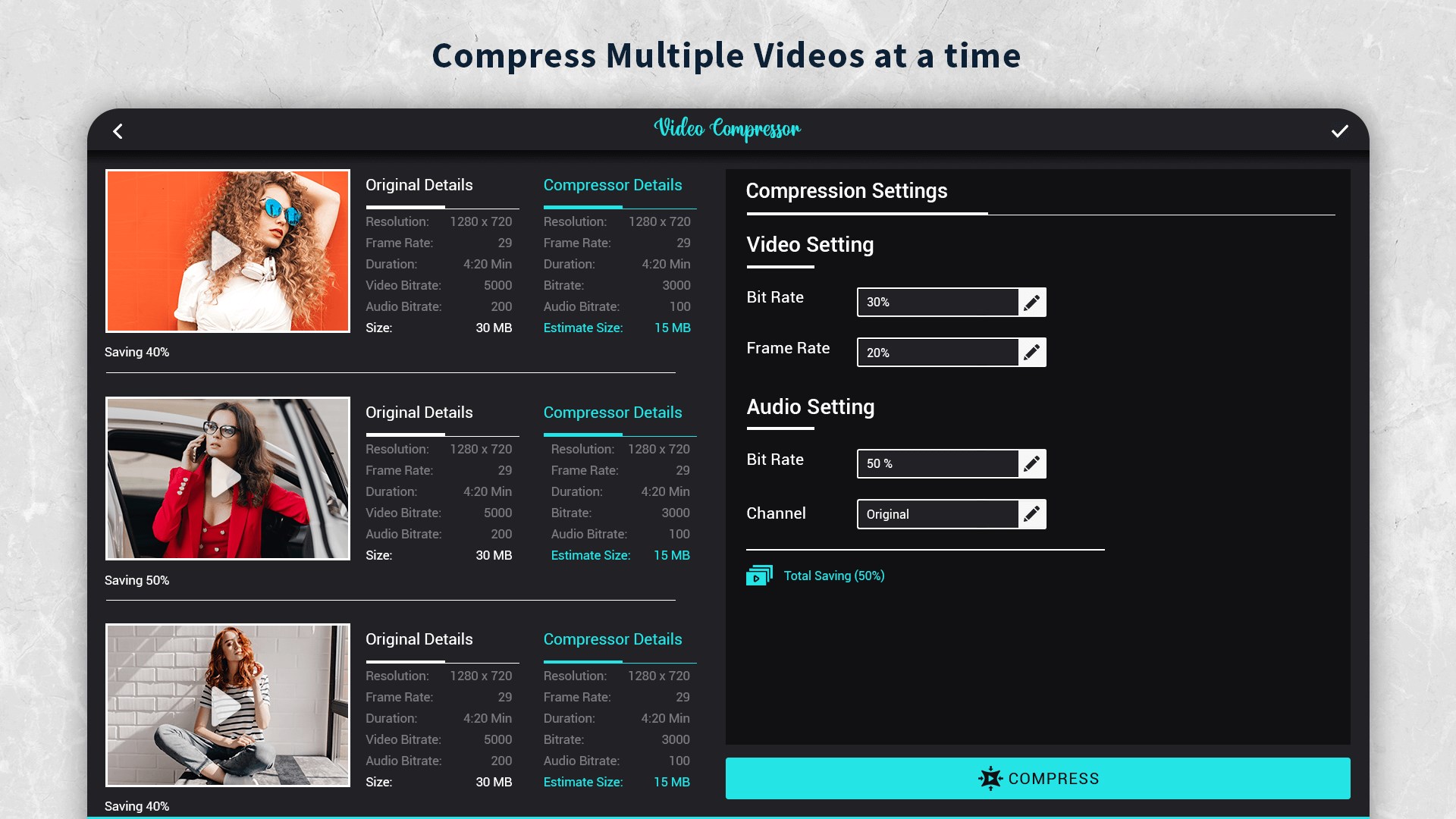
The primary strength of Video Compressor: Resize & Compress Video lies in its versatility. Whether you need to send a video via email, free up storage space on your local drive, or share media over a weak internet connection, this application adapts to your specific constraints. It supports batch processing, allowing you to queue multiple videos and compress them simultaneously, saving valuable time during large-scale media organization.
Key Features and Customization Options
- Target Size Compression: You can input the exact desired file size, and the software will adjust parameters to match your target.
- Preset Profiles: Quick, pre-configured default settings make it easy for beginners to compress files instantly.
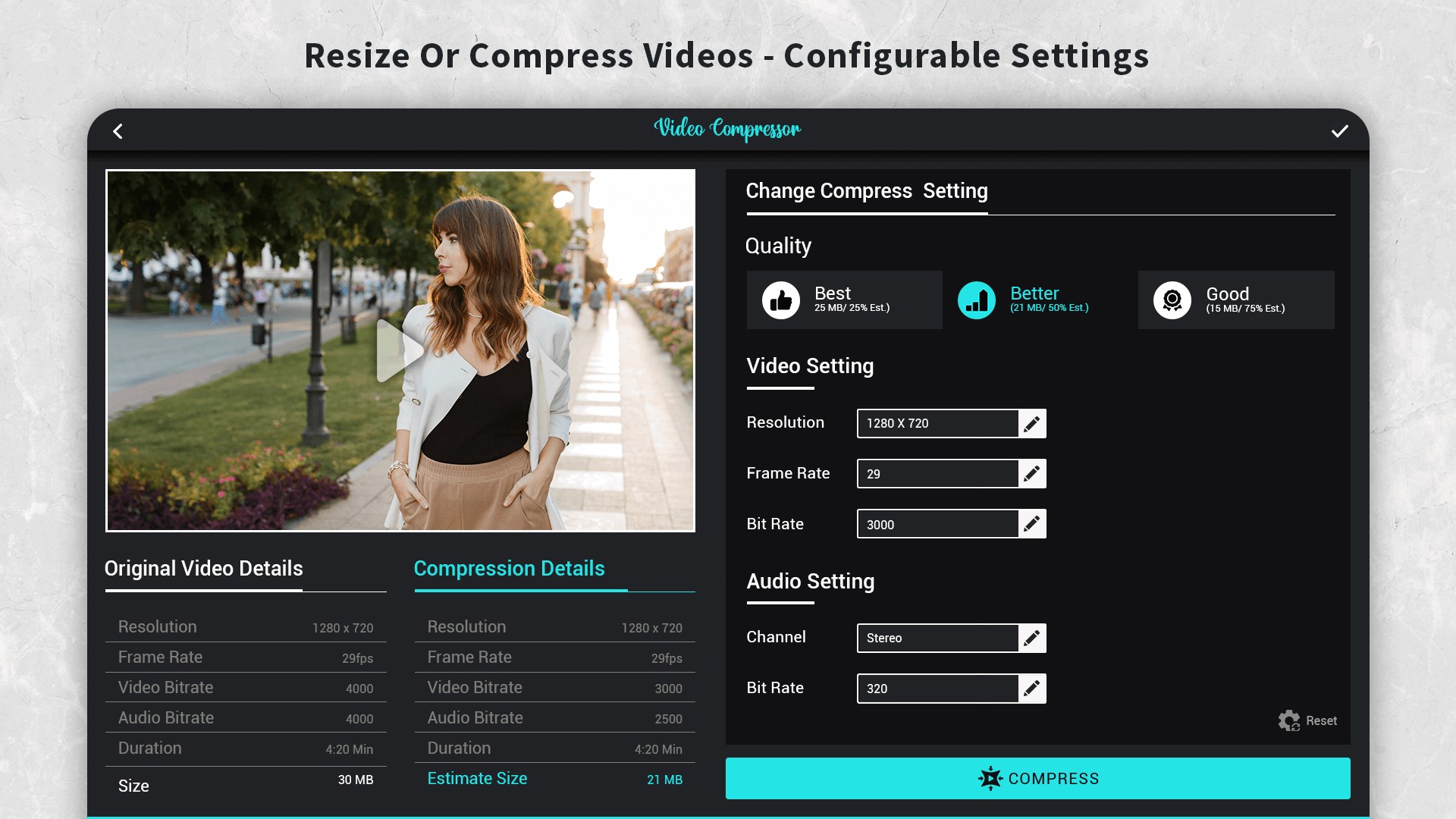
- Manual Quality Controls: Advanced users can fine-tune the output by selecting custom video resolutions, video bitrates, and audio bitrates.
- Batch Processing: Queue and compress multiple video files at once to streamline your workflow.
Who Is This Tool For?
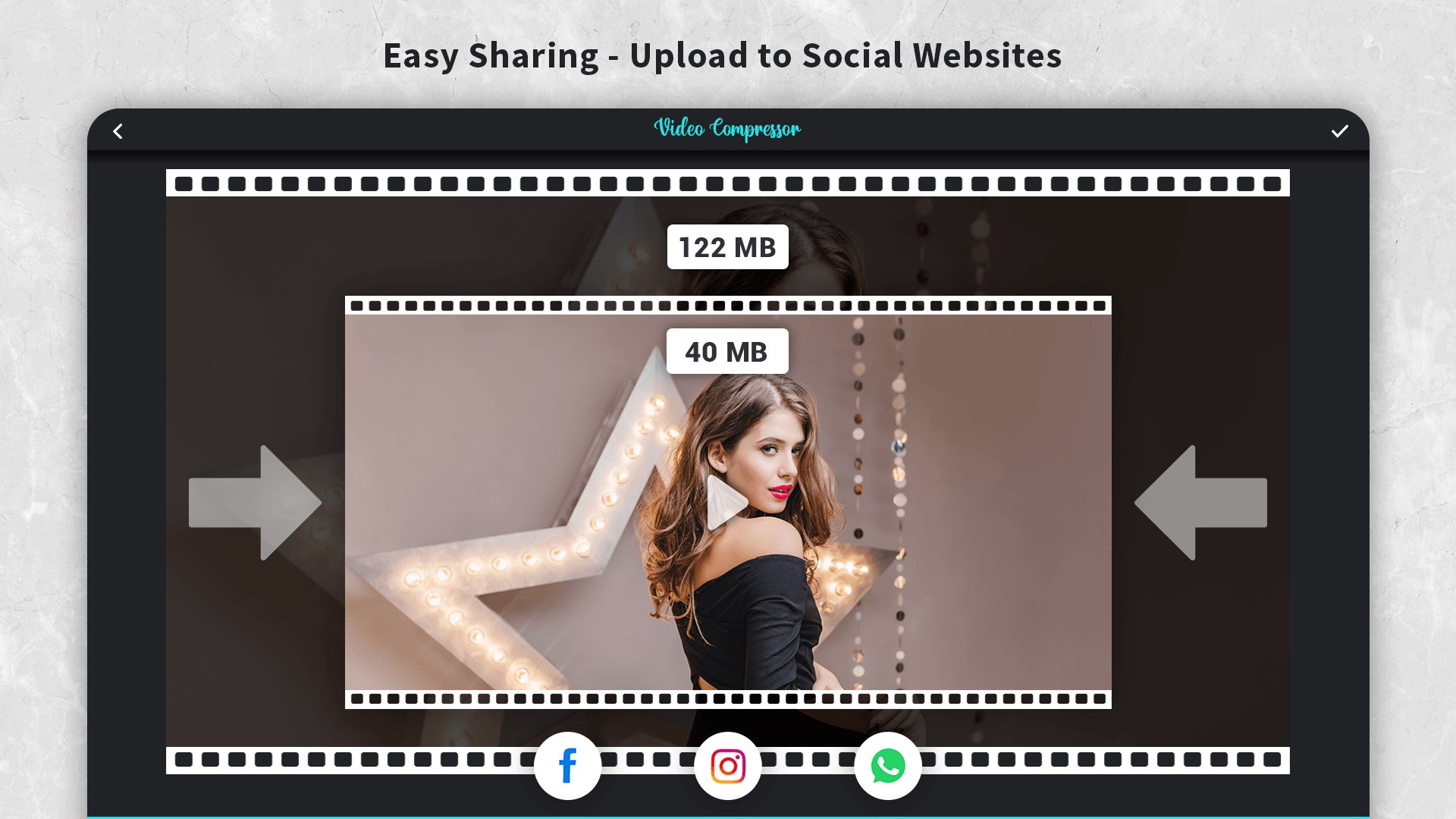
This software is ideal for content creators, remote professionals, and everyday users who regularly handle large video files on Windows. If you frequently run into email attachment limits or struggle with slow upload speeds, the tool provides a straightforward way to make your media highly shareable. Because it runs locally on Windows, it processes files quickly without relying on cloud-based upload limits.
Maximize Your Storage Efficiency
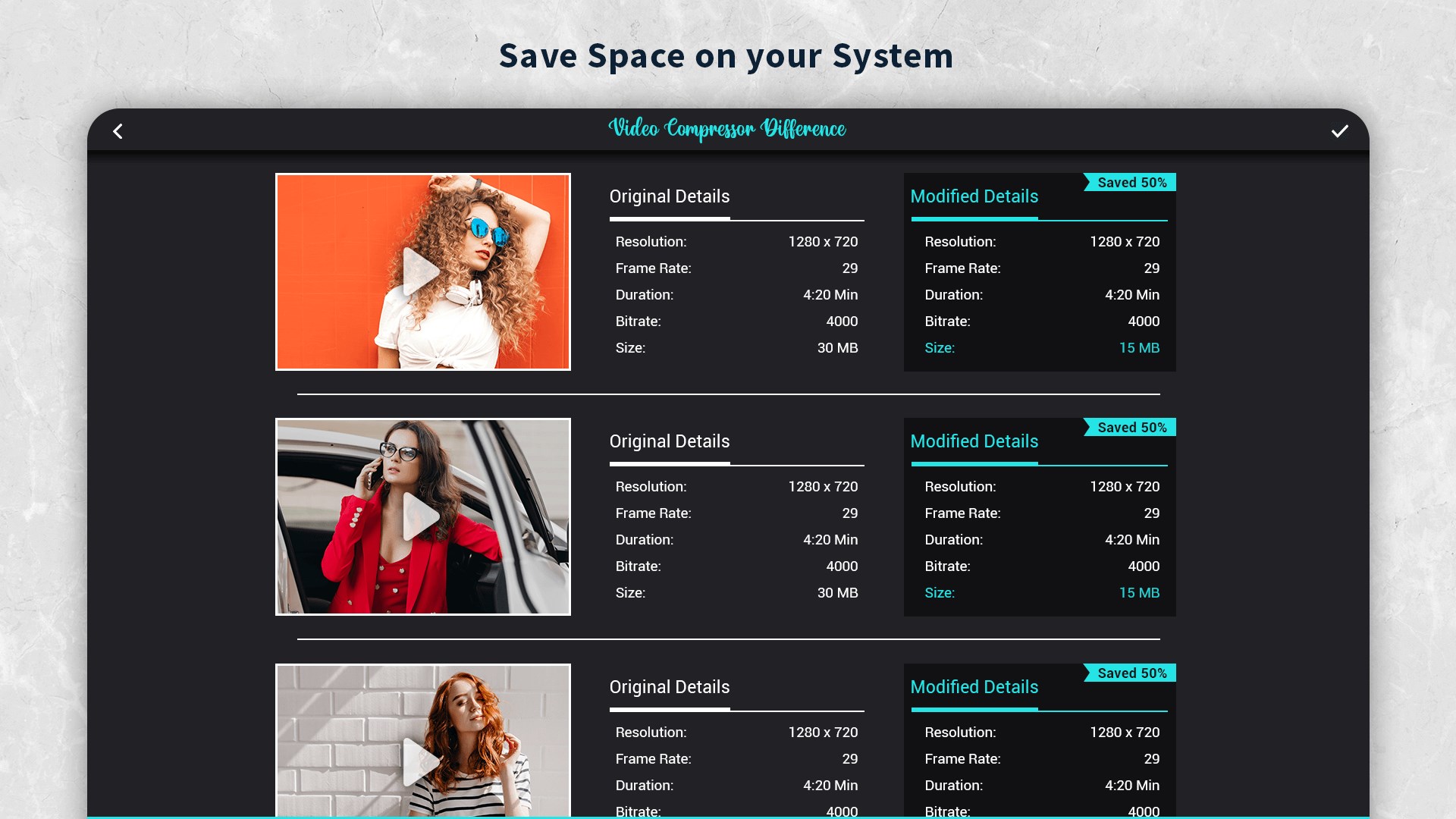
By reducing unnecessary data overhead, the utility ensures your system runs smoothly without being bogged down by massive raw footage. If you are looking for a dependable, efficient desktop tool to manage your media library, we highly recommend checking out this application. You can explore the official release and read user feedback directly on the Microsoft Store.
Rate the App
User Reviews














Popular Apps









Editor's Choice