

Latest Version
William Gustafson
Tools
Mac
Free
937984704
Report a Problem
More About Amphetamine
Preventing Sudden System Sleep on macOS
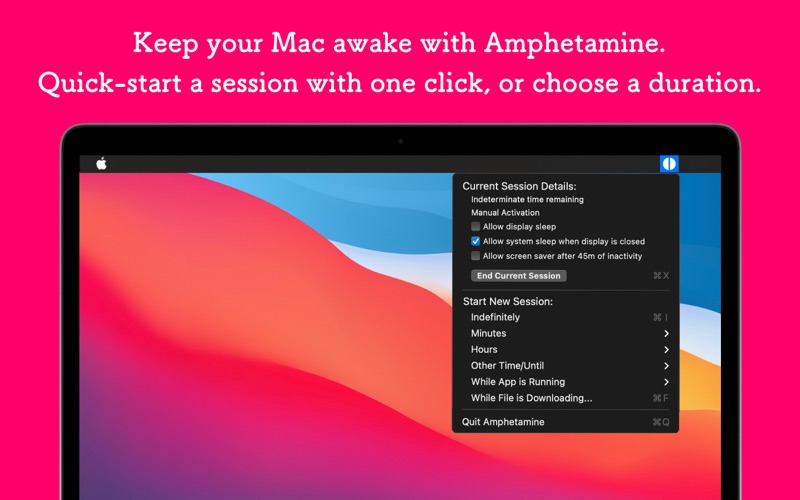
The Amphetamine Mac keep-awake app is a highly customizable utility designed to keep your macOS system and displays from entering sleep mode. Whether you are running a long-term file download, compiling complex code, or rendering a video project, unexpected system sleep can disrupt critical workflows. Developed by William Gustafson, Amphetamine offers a reliable, elegant solution to control your Mac’s power states without resorting to complex terminal commands.
Powerful Trigger-Based Automation
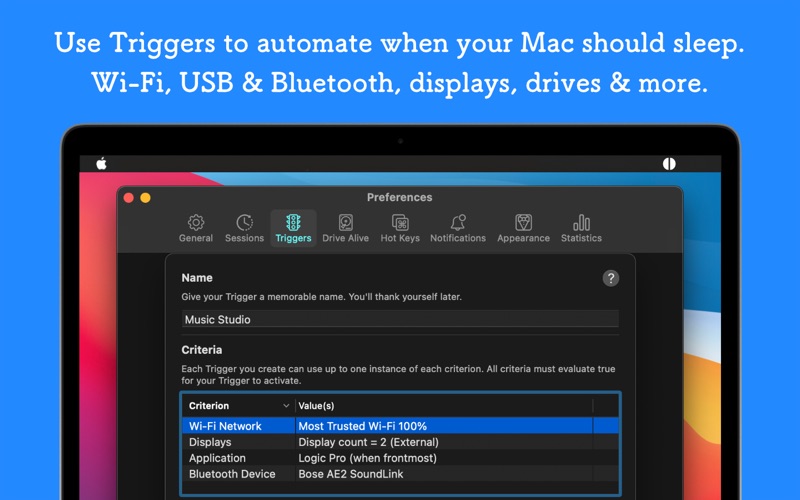
What sets this tool apart from standard system preferences is its robust automation engine. Instead of manually toggling the app before every task, you can configure precise conditions that automatically activate a keep-awake session. The utility can monitor your environment and stay active based on:
- Hardware Connections: Keep your system awake when specific external displays, USB devices, or Bluetooth peripherals are connected.
- Network Conditions: Activate keep-awake states when connected to a specific Wi-Fi network, IP address, DNS server, or Cisco AnyConnect VPN.
- System States: Monitor battery thresholds, power adapter connections, drive mounting, or specific CPU utilization spikes.
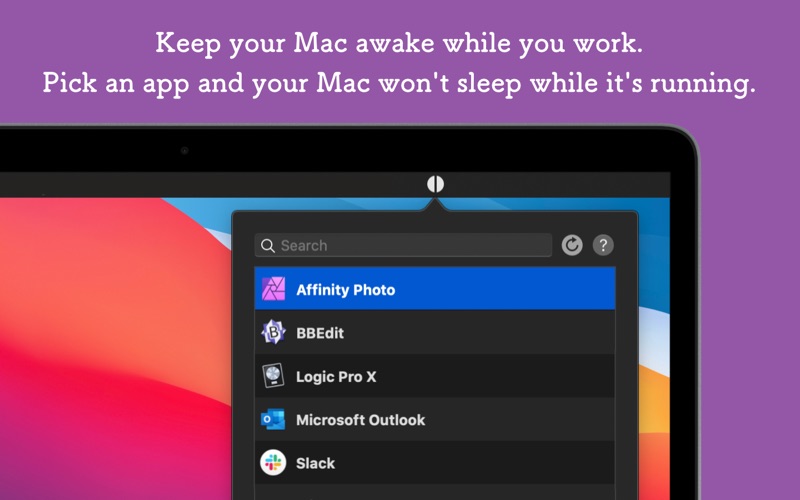
- Active Applications: Ensure your Mac stays awake only while a specified software application is running or remains in the foreground.
Advanced Utility Features for Power Users
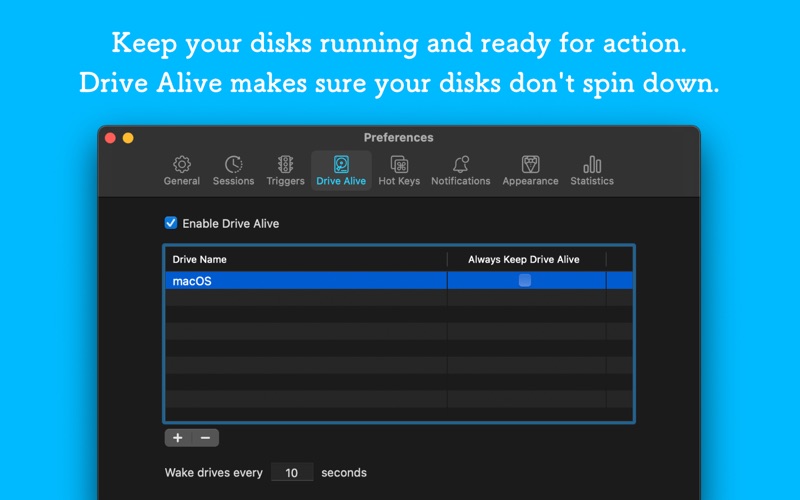
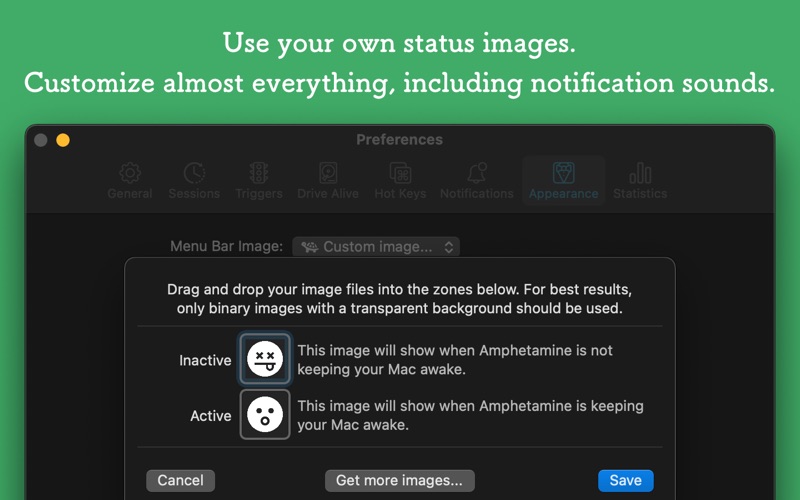
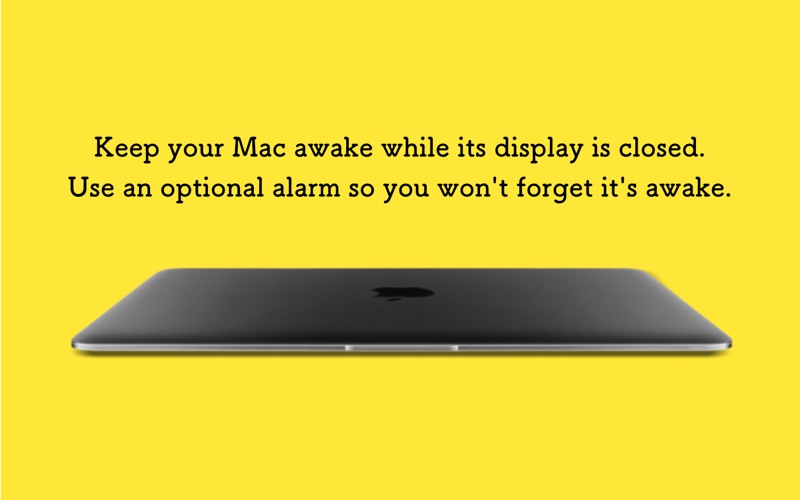
Beyond simple screen management, the Amphetamine Mac keep-awake app provides deep system integration. Users can close their MacBook's lid while maintaining system activity, prevent magnetic drives from spinning down with the "Drive Alive" feature, and lock the screen after custom periods of inactivity. It also supports AppleScript commands, customizable menu bar icons, and personalized notification sounds, making it a highly adaptable tool for any professional macOS setup.
A Premium Experience Without the Cost
Despite its extensive feature set, the application is entirely free of charge. The developer provides the utility without any advertisements, in-app purchases, locked "pro" features, or intrusive tracking. It respects user privacy and system resources, supporting Retina displays and native macOS dark mode seamlessly on macOS 10.11 El Capitan and higher.
Is Amphetamine Right for Your Workflow?
If you need granular control over when and why your Mac stays awake, this utility is an indispensable addition to your menu bar. To explore its full feature set and integrate it into your daily routine, visit the official Mac App Store to download the application directly from the developer.
Rate the App
User Reviews













Popular Apps









Editor's Choice